Mail Catcher Live
Disposable email addresses on my domain for sign-ups and one-time codes, read at a private URL and deleted weekly.
How to use it
I use it every day for sign-ups that demand an email address, one-time codes and verification links, and the accounts the system's stand-in persona opens for itself.
I use it every day for websites that insist on an email, sign-in codes and confirm-your-email links, and accounts my system's helper opens under its own name.
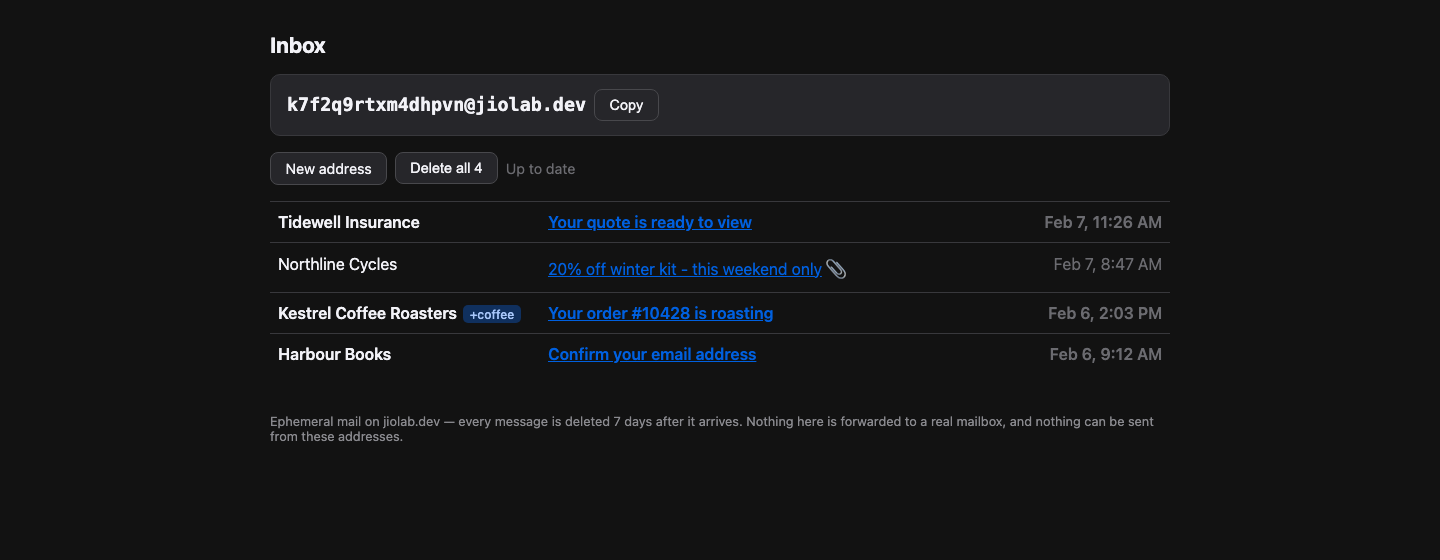
- Open the page and take the address it hands you A fresh random address every time you load it. Nothing is stored until mail actually arrives.It gives you a made-up address each time. Nothing is saved until an email turns up.
- Paste it into whatever is asking for an email address Any name on the domain works, so you can invent one in the form and open it here afterwards.Any name works, so you can make one up in the form and look it up here after.
- Open the inbox and leave it open Mail shows up within seconds, and the page checks for more on its own.Mail appears within seconds, and the page keeps looking for more by itself.
- Come back within the week, or not at all Your mail is deleted seven days after it arrives. Walking away is the intended ending.Your mail is all deleted after a week. Walking away and forgetting it is the normal ending.
The address is all that keeps the inbox private, so keep the long random one for anything you would mind a stranger reading.
The address is the only lock on it, so keep the long random one if you would mind someone reading the mail.
No Mail Server Runs Here
A real mail listener needs an inbound port that home connections block and that the tunnel does not carry, and it would be an open door for a service whose job is accepting traffic from strangers. So mail is parsed at the edge and posted in. When the server is down, the message bounces rather than vanishing.
No mail software runs on the server, and nothing can dial in. An outside service takes the mail in, reads it, and passes it along. If the server is off, the sender gets told the message failed rather than it disappearing quietly.
For Mail I Only Need Once
A form that won't continue without an address, a one-time code, a link to click before an account works: each is needed once, then the sender writes forever. So it lands here, never in my real inbox, and the stand-in persona signs up with these addresses too. An unused address renders like an empty inbox, so guessing reveals nothing.
A website that won't continue without an email, a sign-in code, a link that confirms an account: I need each one once, then the sender writes forever. So it comes here, not to my real inbox. My system's helper signs up with these addresses too. An unused address looks like an empty inbox, so nobody can fish for real ones.
The Sender's HTML Runs Nowhere
Marketing mail is exactly the kind that carries scripts and tracking pixels, and a pixel firing on open tells the sender the address is live, the one fact a burner address exists to withhold. Attachments download as raw data whatever they were labelled, so nothing is handed to the browser to run.
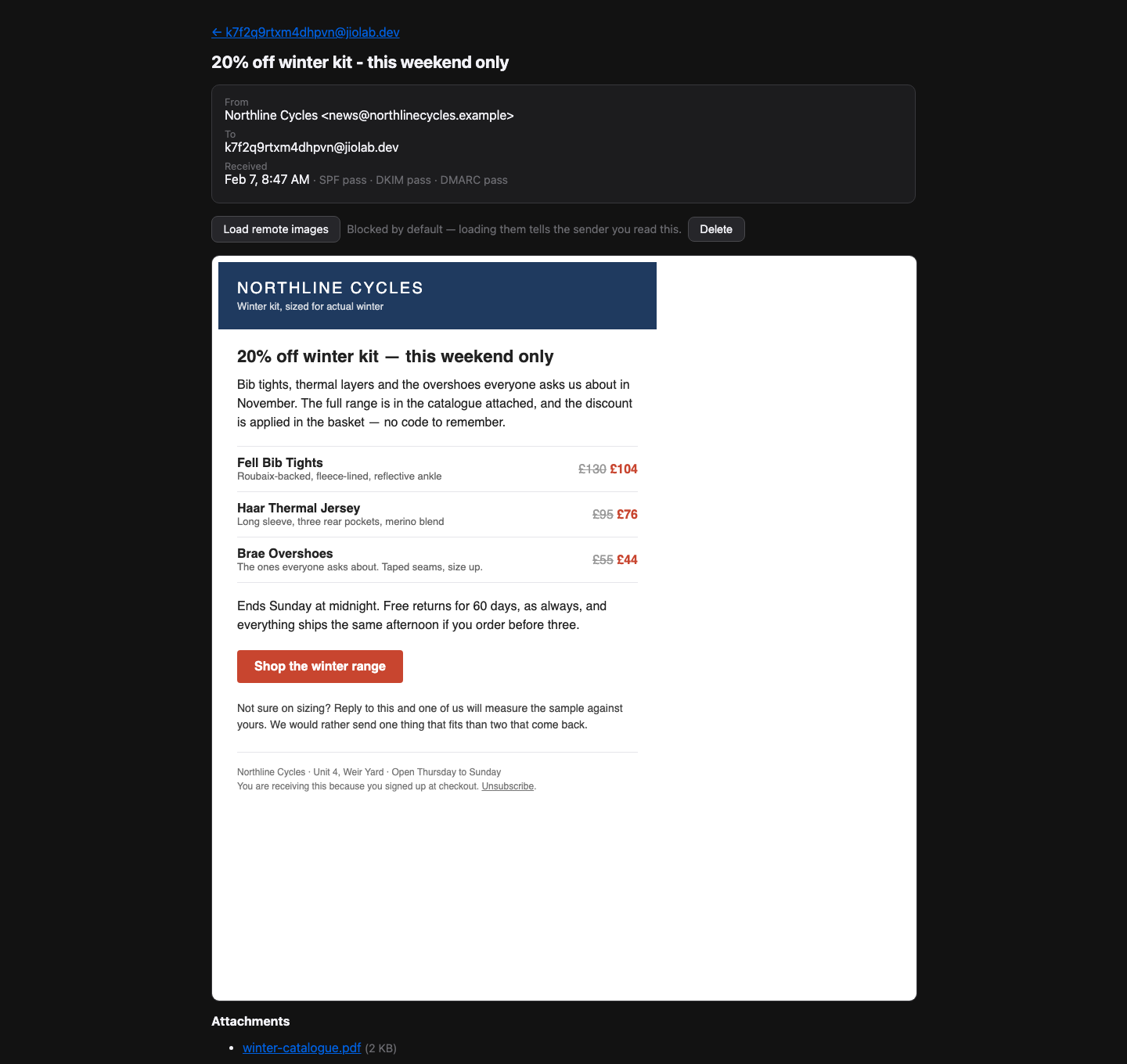
Images stay blocked until you ask for them, so opening a message does not quietly tell the sender you exist. Files always download as plain data rather than as anything the browser might try to run.
It Deletes Itself
The retention promise is a scheduled job, not application code: if it is not running, nothing is deleted and this becomes a permanent archive of mail sent to addresses with no password on them. It deletes by age, so a missed run catches up, and it skips the published deletion address, where an expired request is one nobody answered.
The weekly delete is a separate scheduled job, and it is the only thing making the promise true. If it stops, nothing is deleted and the mail piles up forever. Missing a run is fine; the next one clears the backlog. One address is left alone on purpose: the one for asking me to delete your data.