Agent Control Center In Progress
A desktop workspace for running Claude and Codex coding agents on existing subscriptions. For its owner only; not released.
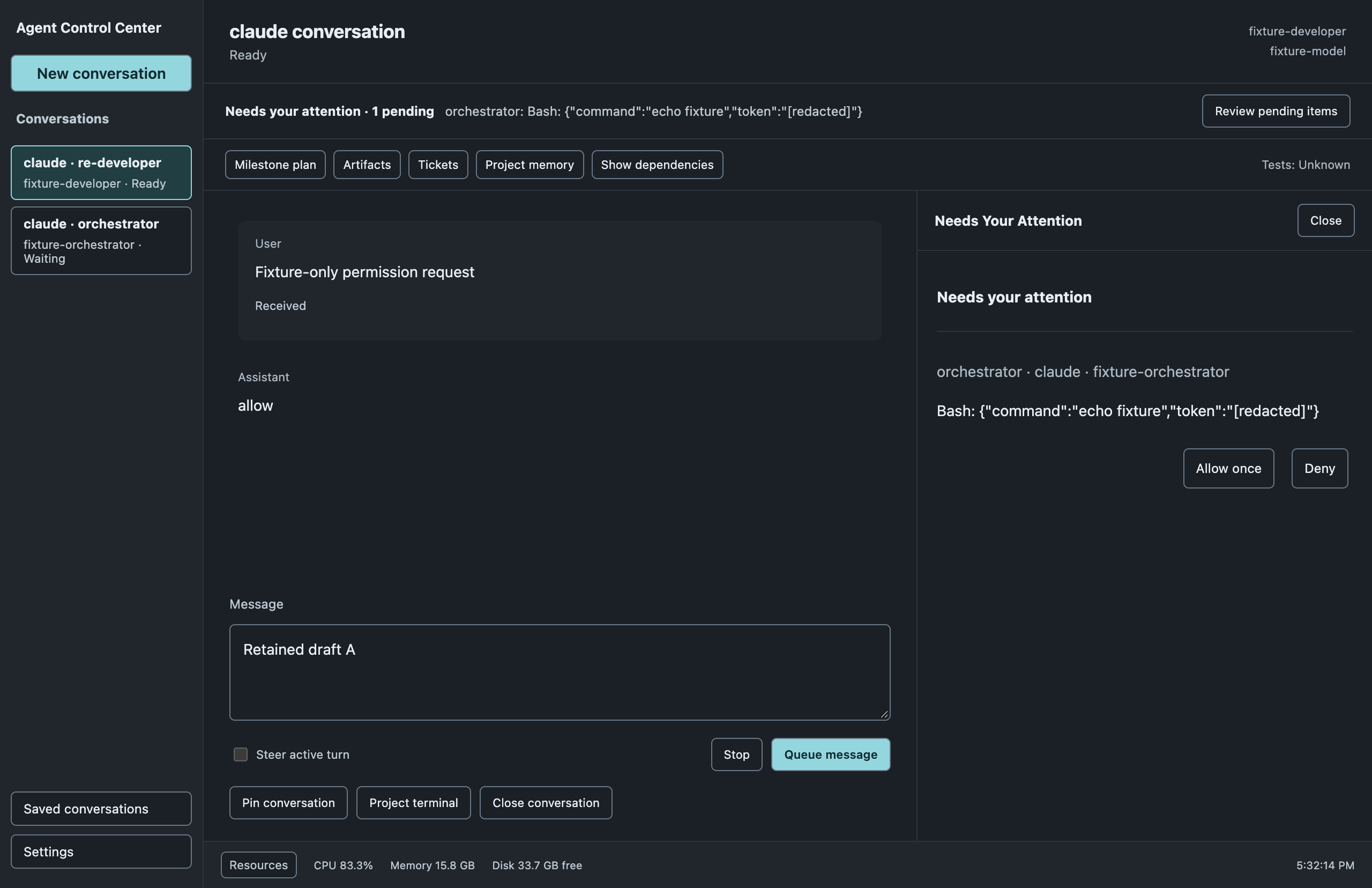
Conversation Workspace
Each conversation keeps its own draft while you switch. Messages queue by default, steering appears only when the provider supports it, and "Received" means the service saw an acknowledgment, not finished work. Usage and limits show only when the provider reports them.
What you were typing stays put when you switch chats. Messages wait their turn, and you can only cut in when the agent supports it. "Received" means the message got through, not that the job is done. Usage and limits appear only when the provider shares them.
Specialist Work
Tasks are owned by the app rather than any one provider session, so a task can route to a different account or provider. Role routes, approved project folders and worker limits are set in Settings; a task waiting on another task is not dispatched.
The app keeps track of each job itself, so jobs can go to different accounts or AI services. You choose which agent handles which kind of job, which project folders it may use and how many run at once. A job that depends on another waits until that one is done.
Artifact Review
Files are copied into a durable version only after a confirmation that lists them. The preview runs in its own sandboxed view with the network off unless you allow a specific site. Feedback goes through the same reliable queue as messages.
Nothing is saved until you confirm the list of files. The preview is walled off from the internet unless you allow it, and comments are sent the same careful way as chat messages.
Tickets and Project Memory
Settings registers projects, sources and ticket mappings, with an exact preview of the instructions an agent will receive. Credentials stay as references to private files and are never copied into the app.
You add projects and link their tickets in Settings, and see exactly what instructions an agent will get. Passwords and keys are never copied into the app; it only remembers where they live.